
Chart maker
Grouped Scatter Plot Maker
Compare correlations across groups
A grouped scatter plot adds a third dimension to a scatter chart by coloring each point by category, so you can compare how the relationship between two numeric variables changes across groups. InstaCharts builds it from your spreadsheet with an automatic color legend.
A live grouped scatter plot example
An interactive grouped scatter plot built and embedded with InstaCharts.
Your data
What data you need for a grouped scatter plot
Paste your spreadsheet, upload a CSV or Excel file, or connect a Google Sheet, and InstaCharts detects your column types and builds the grouped scatter plot automatically.
X-Axis
Numerical values, the independent variable
Y-Axis
Numerical values, the dependent variable
Breakdown
A category column; each unique value becomes a color
Use cases
When to use a grouped scatter plot
Best uses
- Compare whether a correlation is stronger in one group than another
- See whether groups occupy distinct regions of the chart
- Detect outliers within a specific category
- Test whether a third variable shapes a two-variable relationship
When another chart fits better
- More than five or six colors get hard to tell apart
- With only one group, a standard scatter plot is simpler
- Categorical axes belong in a grouped bar chart
How it works
How to make a grouped scatter plot
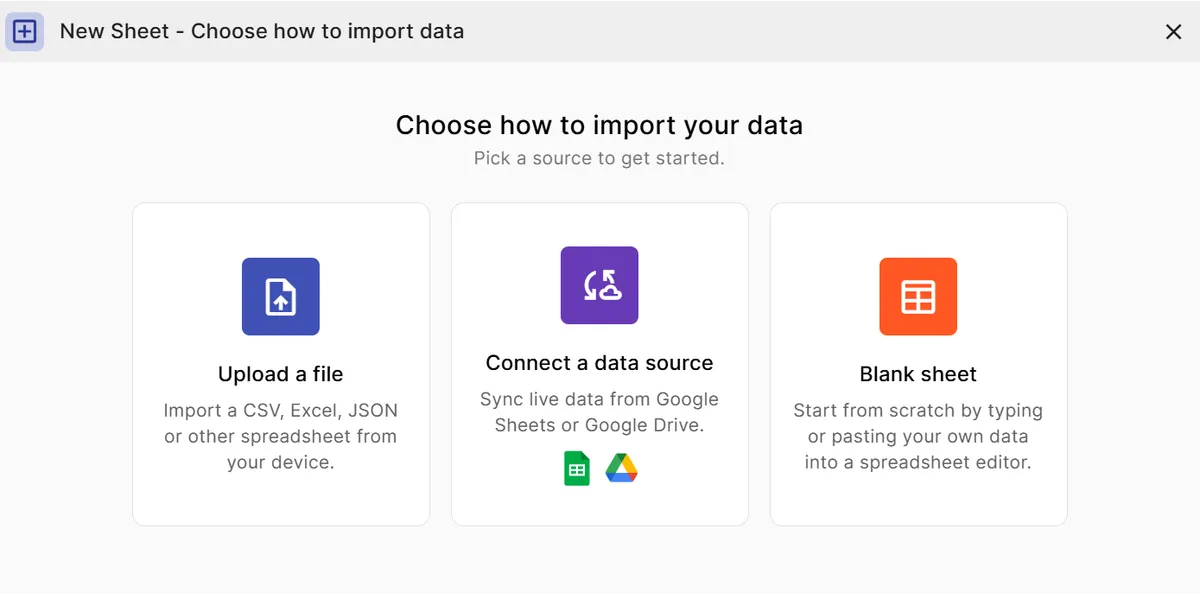
Step 1
Add your data
Paste a spreadsheet, or upload a CSV, Excel, TSV, or JSON file.
Step 2
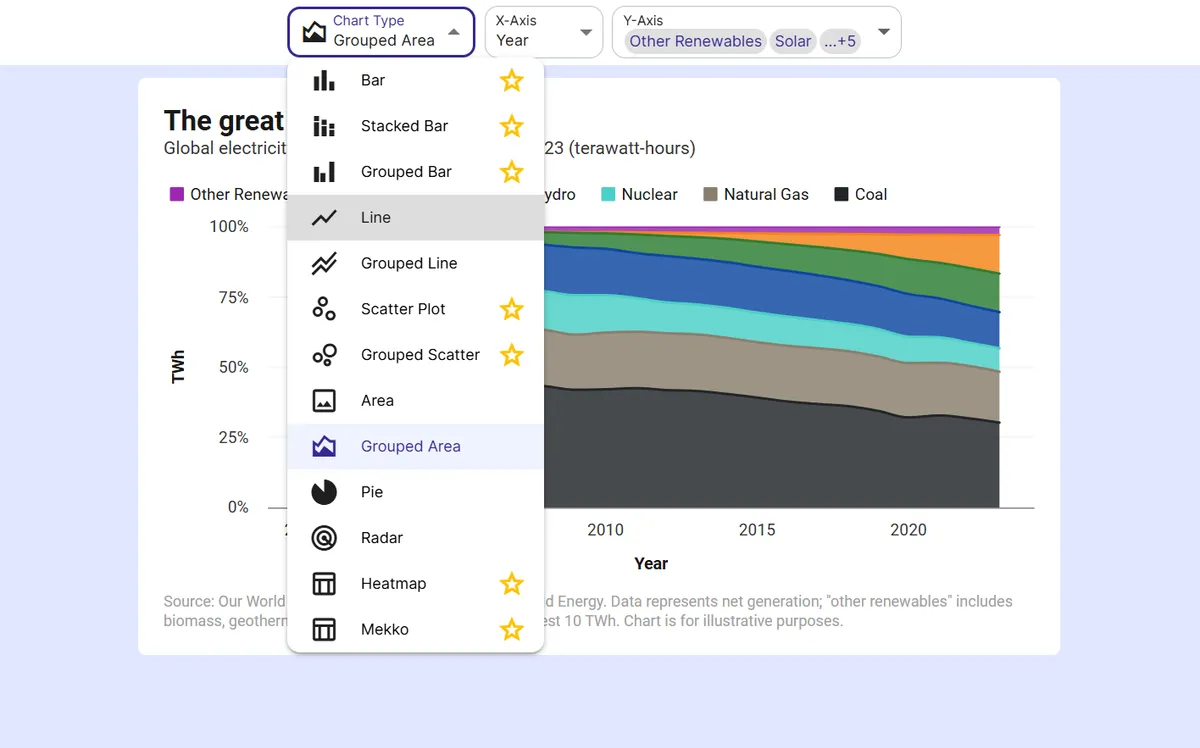
Pick the grouped scatter plot
InstaCharts auto-suggests a chart; switch to this type in one click.
Step 3
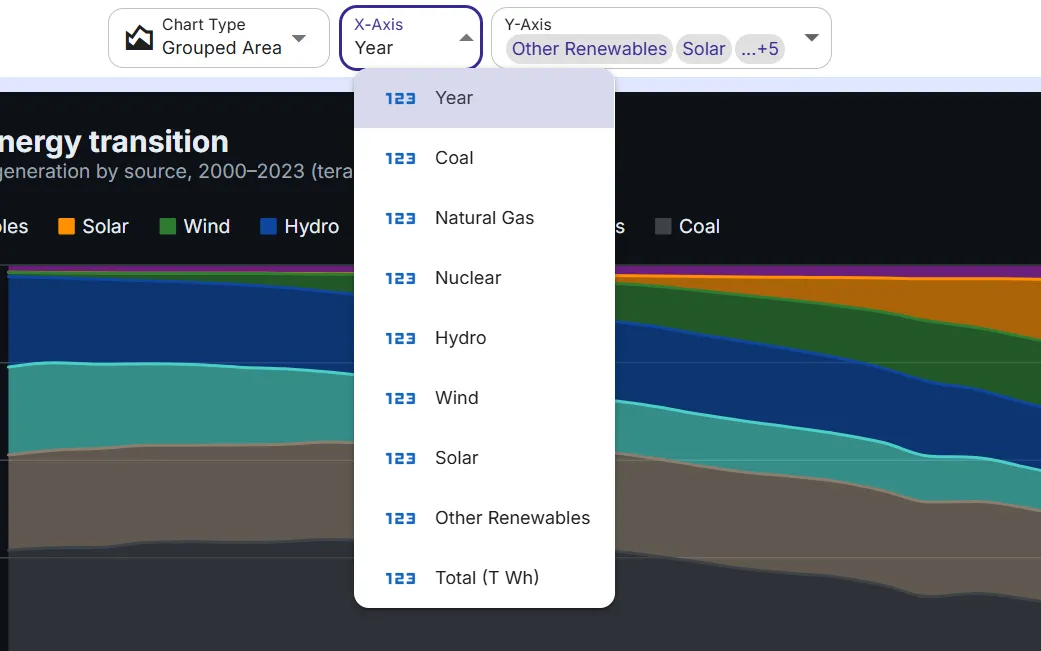
Map your columns
Choose which columns drive each axis, or accept the smart defaults.
Step 4
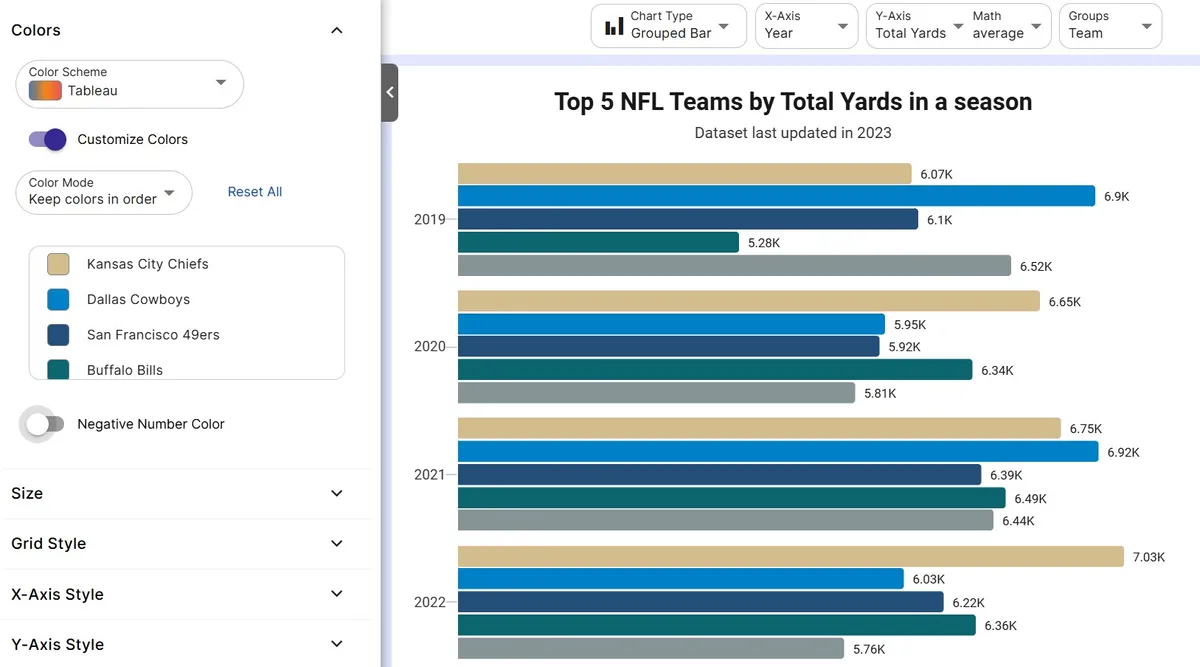
Customize styling
Adjust colors, labels, and titles to match your brand or report.
Step 5
Export or embed
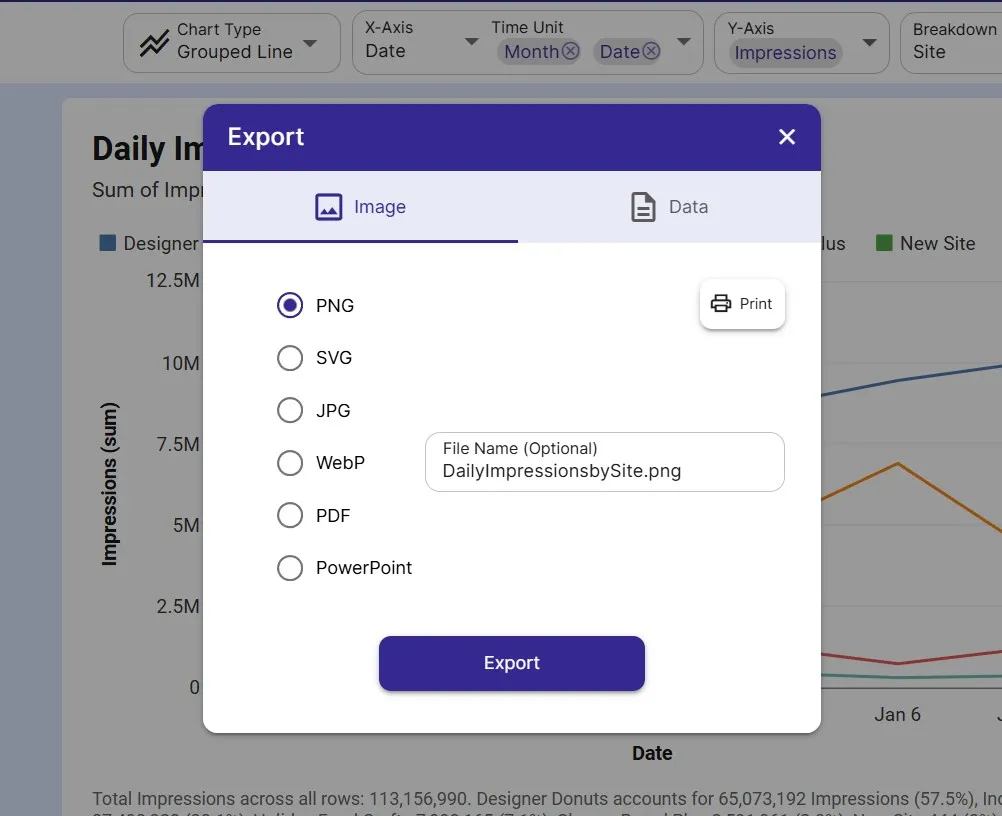
Download as PNG, SVG, or PDF, share a link, or embed a live, auto-updating chart.
FAQ
Grouped Scatter Plot maker FAQ
Answers to common questions about making a grouped scatter plot with InstaCharts.
Is the grouped scatter plot maker free?
Yes. You can build and export a grouped scatter plot for free, no sign-up needed. The free tier covers up to 500 rows and adds a watermark, removed on paid plans from $10 user/mo.
How do I color scatter points by category?
Add a breakdown column with the category for each row. InstaCharts assigns each unique value its own color and builds a legend so groups are easy to tell apart.
What data do I need for a grouped scatter plot?
Two numeric columns for the axes plus one category column for the grouping. Both axes must be numeric; for categorical comparisons use a grouped bar chart instead.
How many groups can I show?
You can plot several, but five or six colors is the practical limit for readability. Filter or combine smaller categories to keep the groups distinct.
Want the full reference?
Read the grouped scatter plot documentation.
Explore
Related chart makers
Compare related chart types, or browse every InstaCharts chart maker below.
Scatter Plot Maker
Find correlations between two variables
Grouped Bar Chart Maker
Compare several series side by side
Heatmap Maker
Reveal patterns across a data grid
All InstaCharts chart makers
- Bar Chart Maker
- Stacked Bar Chart Maker
- Grouped Bar Chart Maker
- Line Graph Maker
- Grouped Line Chart Maker
- Area Chart Maker
- Grouped Area Chart Maker
- Pie Chart Maker
- Scatter Plot Maker
- Radar Chart Maker
- Heatmap Maker
- Mekko Chart Maker
- Gauge Chart Maker
- Grouped Gauge Chart Maker
- Donut Chart Maker
- Waterfall Chart Maker
- Horizontal Bar Chart Maker
- 100% Stacked Bar Chart Maker
- 100% Stacked Area Chart Maker
- Trend Line Graph Maker
- Pie Chart Maker with Percentages
- Semi Circle Pie Chart Maker
- Likert Scale Chart Maker
- Survey Chart Maker
- Cash Flow Waterfall Chart Maker
- Budget vs Actual Chart Maker
See every option on the chart maker page.
Make your grouped scatter plot in seconds
InstaCharts makes data visualization easy, so you can build clear reports without design experience.