
Chart maker
Heatmap Maker
Reveal patterns across a data grid
A heatmap arranges values in a grid and colors each cell by its number, so patterns, clusters, and outliers across a large matrix become instantly scannable. InstaCharts is a free heatmap maker with sequential and diverging color palettes.
A live heatmap example
An interactive heatmap built and embedded with InstaCharts.
Your data
What data you need for a heatmap
Paste your spreadsheet, upload a CSV or Excel file, or connect a Google Sheet, and InstaCharts detects your column types and builds the heatmap automatically.
X-Axis
Categorical data
Y-Axis
Categorical data
Values
Numerical values that set each cell's color
Use cases
When to use a heatmap
Best uses
- Spot high and low values at a glance across a whole matrix
- Show how two categorical variables interact
- Detect clusters of similar values and isolated outliers
- Make a large numerical table scannable with color
- Find time-based patterns, such as days against hours
When another chart fits better
- Very small grids are clearer as a plain table
- When exact numbers drive decisions, a bar chart is more precise
- Mixed positive and negative values need a diverging palette with a clear zero
How it works
How to make a heatmap
Step 1
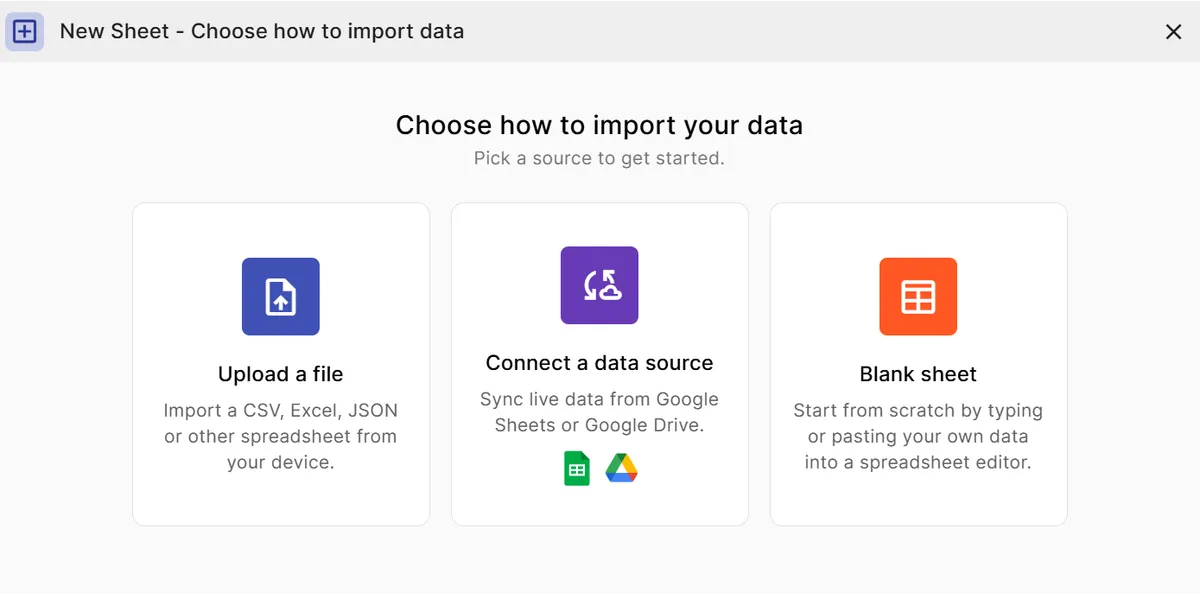
Add your data
Paste a spreadsheet, or upload a CSV, Excel, TSV, or JSON file.
Step 2
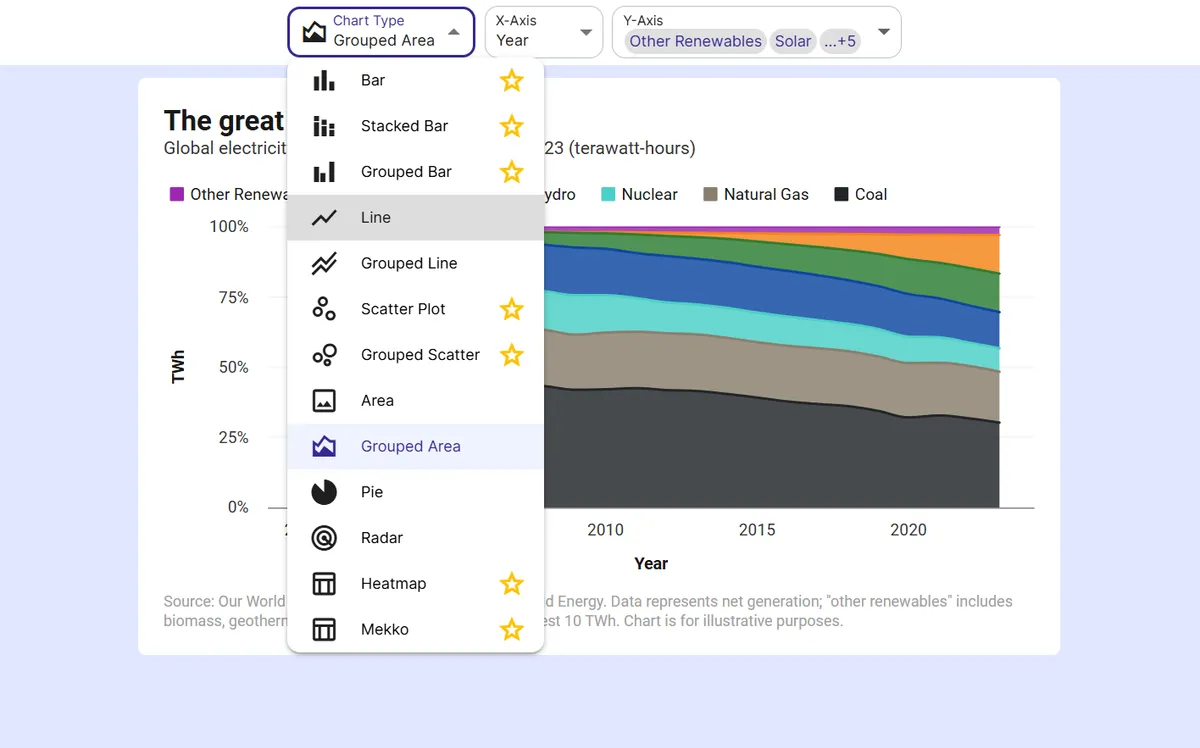
Pick the heatmap
InstaCharts auto-suggests a chart; switch to this type in one click.
Step 3
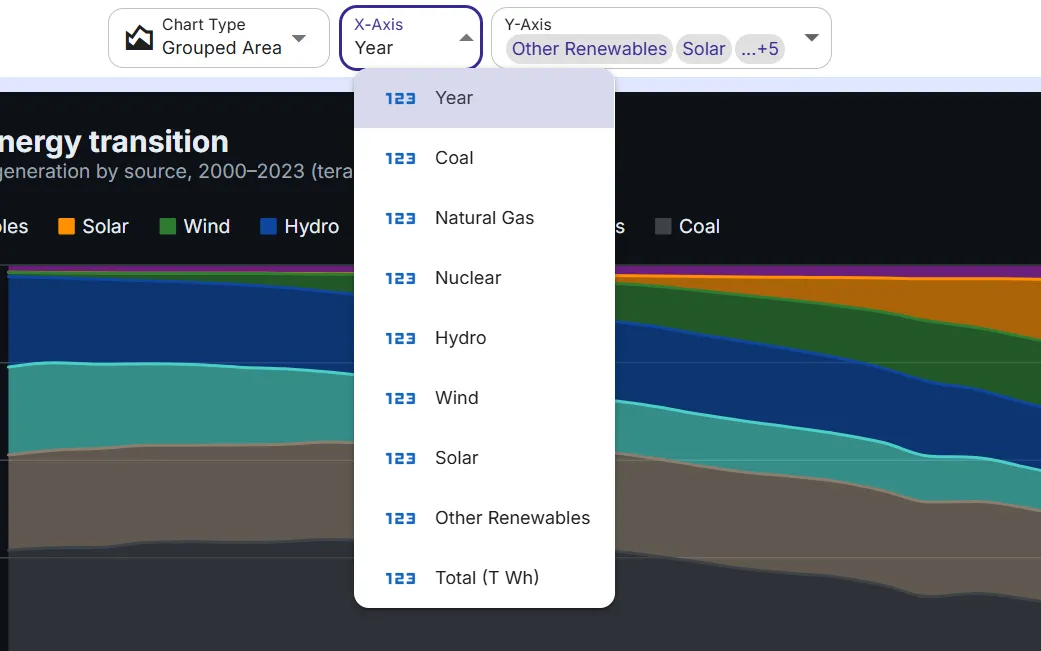
Map your columns
Choose which columns drive each axis, or accept the smart defaults.
Step 4
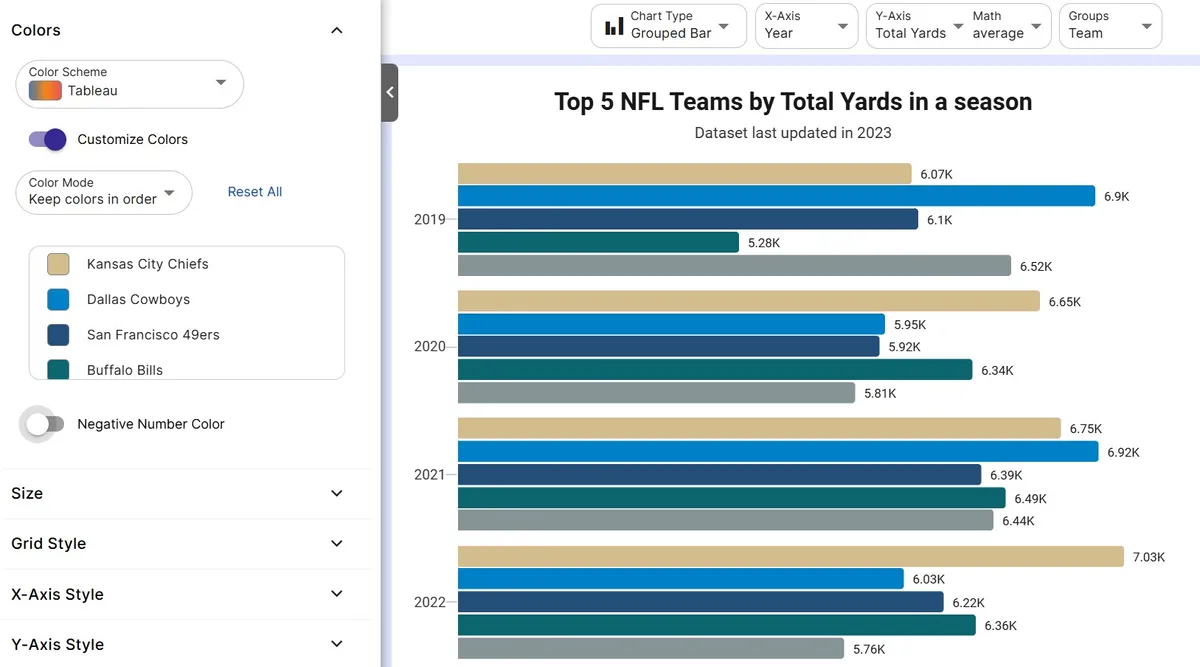
Customize styling
Adjust colors, labels, and titles to match your brand or report.
Step 5
Export or embed
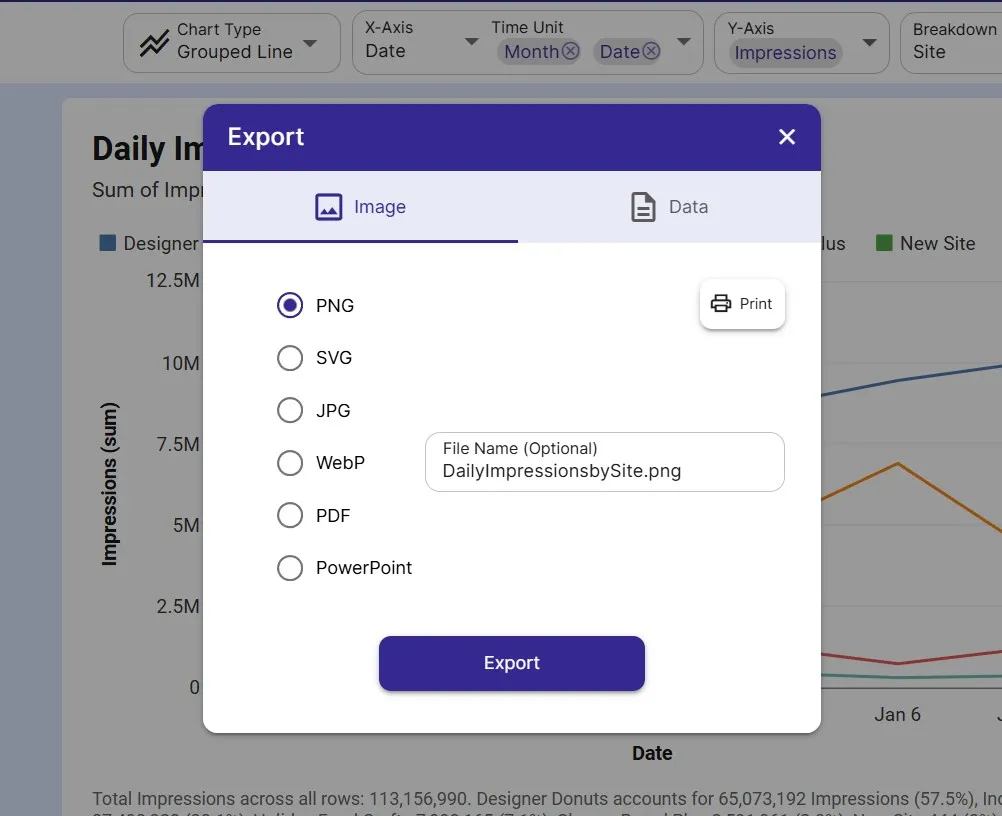
Download as PNG, SVG, or PDF, share a link, or embed a live, auto-updating chart.
FAQ
Heatmap maker FAQ
Answers to common questions about making a heatmap with InstaCharts.
Is the heatmap maker free?
Yes. You can build and export a heatmap for free with no account. The free tier supports up to 500 rows and adds a watermark; paid plans from $10 user/mo remove it.
What data do I need to make a heatmap?
Two category columns for the rows and columns of the grid, plus a numeric column that determines each cell's color. InstaCharts can pivot raw data into this matrix shape for you.
Which color palette should I use?
Use a sequential palette for low-to-high data and a diverging palette when you want to highlight values above and below a midpoint, such as positive and negative growth. Avoid rainbow palettes, which distort perception.
Can I show the numbers inside the cells?
Yes. You can add value labels inside each cell for precise reading on smaller grids, while still using color to show the overall pattern.
Want the full reference?
Read the heatmap documentation.
Explore
Related chart makers
Compare related chart types, or browse every InstaCharts chart maker below.
Scatter Plot Maker
Find correlations between two variables
Bar Chart Maker
Compare values across categories online
Mekko Chart Maker
Show size and composition at once
All InstaCharts chart makers
- Bar Chart Maker
- Stacked Bar Chart Maker
- Grouped Bar Chart Maker
- Line Graph Maker
- Grouped Line Chart Maker
- Area Chart Maker
- Grouped Area Chart Maker
- Pie Chart Maker
- Scatter Plot Maker
- Grouped Scatter Plot Maker
- Radar Chart Maker
- Mekko Chart Maker
- Gauge Chart Maker
- Grouped Gauge Chart Maker
- Donut Chart Maker
- Waterfall Chart Maker
- Horizontal Bar Chart Maker
- 100% Stacked Bar Chart Maker
- 100% Stacked Area Chart Maker
- Trend Line Graph Maker
- Pie Chart Maker with Percentages
- Semi Circle Pie Chart Maker
- Likert Scale Chart Maker
- Survey Chart Maker
- Cash Flow Waterfall Chart Maker
- Budget vs Actual Chart Maker
See every option on the chart maker page.
Make your heatmap in seconds
InstaCharts makes data visualization easy, so you can build clear reports without design experience.