
Chart maker
Line Graph Maker
Plot trends over time online
A line graph connects data points with a continuous line to show how a value changes over time or an ordered sequence. InstaCharts is a free line graph maker: paste your time-series data and it plots the trend, ready to customize, export, or embed.
A live line graph example
An interactive line graph built and embedded with InstaCharts.
Your data
What data you need for a line graph
Paste your spreadsheet, upload a CSV or Excel file, or connect a Google Sheet, and InstaCharts detects your column types and builds the line graph automatically.
X-Axis
Dates or ordered categories
Y-Axis
Numerical values
Use cases
When to use a line graph
Best uses
- Show how a metric rises or falls across days, months, or years
- Highlight the rate of change through the slope of the line
- Track a single continuous series measured at regular intervals
- Reveal seasonal or cyclical patterns over a long range
When another chart fits better
- Unordered categories belong in a bar chart instead
- Part-to-whole stories suit a pie or stacked bar chart
- Several groups read better as a grouped line chart
How it works
How to make a line graph
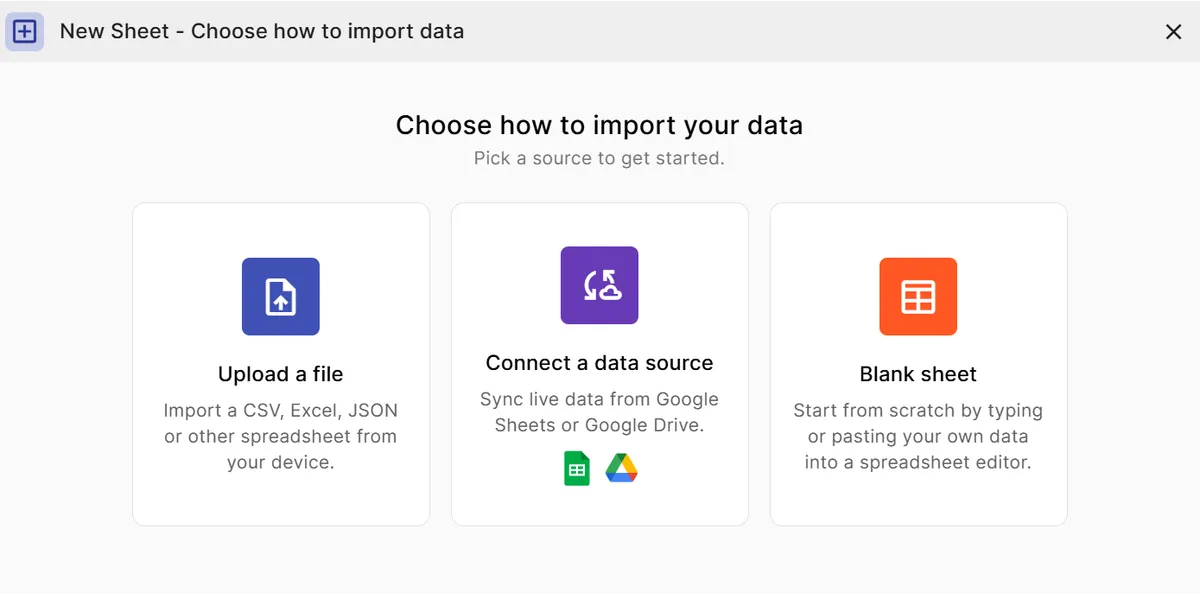
Step 1
Add your data
Paste a spreadsheet, or upload a CSV, Excel, TSV, or JSON file.
Step 2
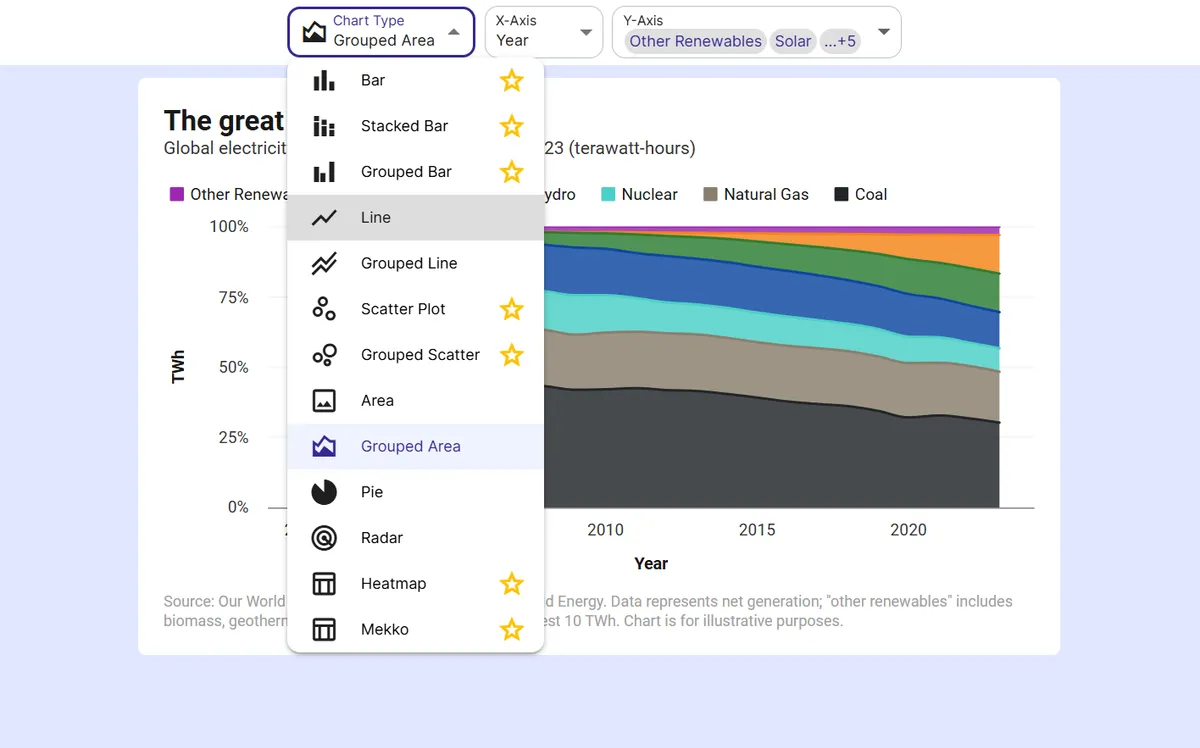
Pick the line graph
InstaCharts auto-suggests a chart; switch to this type in one click.
Step 3
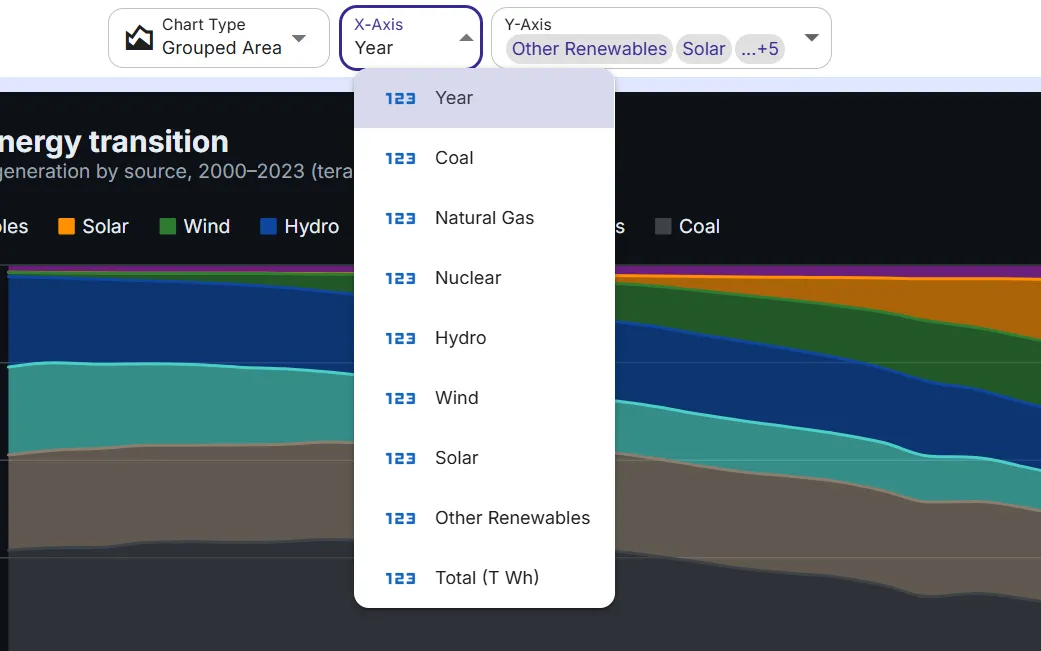
Map your columns
Choose which columns drive each axis, or accept the smart defaults.
Step 4
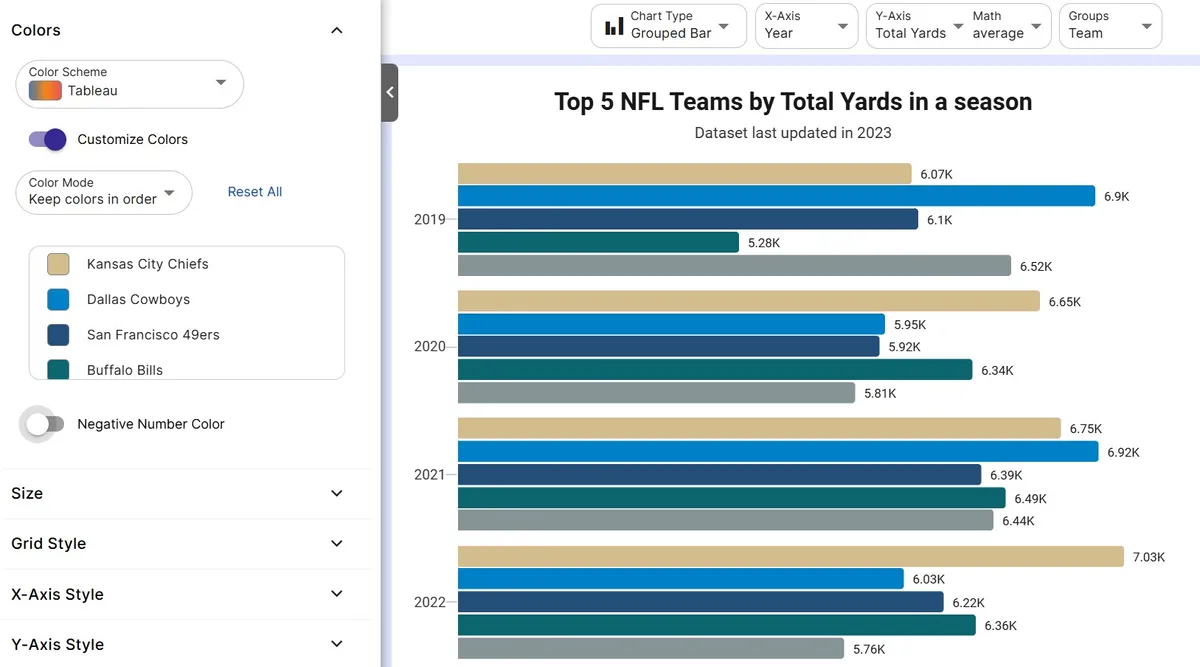
Customize styling
Adjust colors, labels, and titles to match your brand or report.
Step 5
Export or embed
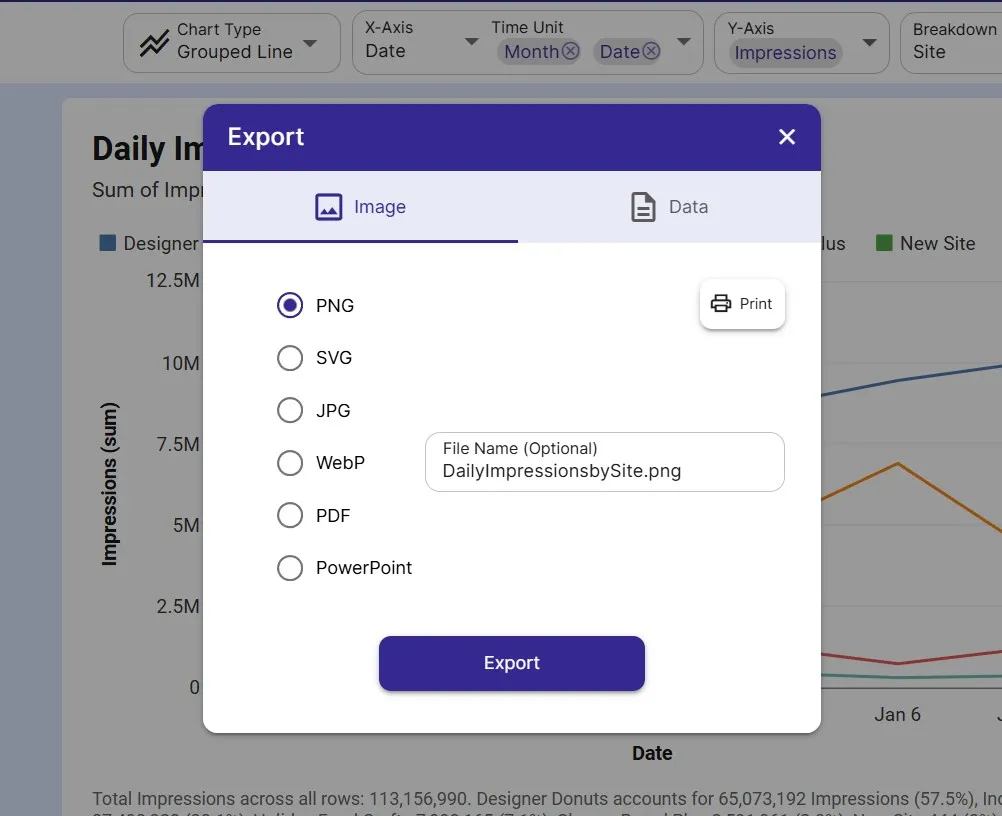
Download as PNG, SVG, or PDF, share a link, or embed a live, auto-updating chart.
FAQ
Line Graph maker FAQ
Answers to common questions about making a line graph with InstaCharts.
Is the line graph maker free?
Yes. You can create and export a line graph for free with no account. The free tier supports up to 500 rows and adds a small watermark; paid plans from $10 user/mo remove it.
What data do I need to make a line graph?
A column of dates or an ordered sequence for the X-axis and a numeric column for the values. Paste it in, upload a CSV or Excel file, or connect a Google Sheet.
Can I plot more than one line?
Yes. Add a breakdown column to turn the chart into a grouped (multi-line) chart, with one colored line per category, so you can compare trends side by side.
Does my line graph update when my data changes?
If you connect it to Google Sheets, yes. The chart, including any embed on your website, stays in live sync and refreshes automatically when the sheet changes.
Want the full reference?
Read the line graph documentation.
Explore
Related chart makers
Compare related chart types, or browse every InstaCharts chart maker below.
Grouped Line Chart Maker
Compare multiple trends on one chart
Area Chart Maker
Show trends with volume emphasis
Bar Chart Maker
Compare values across categories online
All InstaCharts chart makers
- Bar Chart Maker
- Stacked Bar Chart Maker
- Grouped Bar Chart Maker
- Grouped Line Chart Maker
- Area Chart Maker
- Grouped Area Chart Maker
- Pie Chart Maker
- Scatter Plot Maker
- Grouped Scatter Plot Maker
- Radar Chart Maker
- Heatmap Maker
- Mekko Chart Maker
- Gauge Chart Maker
- Grouped Gauge Chart Maker
- Donut Chart Maker
- Waterfall Chart Maker
- Horizontal Bar Chart Maker
- 100% Stacked Bar Chart Maker
- 100% Stacked Area Chart Maker
- Trend Line Graph Maker
- Pie Chart Maker with Percentages
- Semi Circle Pie Chart Maker
- Likert Scale Chart Maker
- Survey Chart Maker
- Cash Flow Waterfall Chart Maker
- Budget vs Actual Chart Maker
See every option on the chart maker page.
Make your line graph in seconds
InstaCharts makes data visualization easy, so you can build clear reports without design experience.