
Chart maker
Pie Chart Maker
Show part-to-whole proportions
A pie chart splits a circle into slices sized by each category's share of the whole, making proportions easy to read at a glance. InstaCharts is a free pie chart maker that also produces donut and semi-circle variants from the same data.
A live pie chart example
An interactive pie chart built and embedded with InstaCharts.
Your data
What data you need for a pie chart
Paste your spreadsheet, upload a CSV or Excel file, or connect a Google Sheet, and InstaCharts detects your column types and builds the pie chart automatically.
Categories
A category column, the slice labels
Values
Numerical values that size each slice
Use cases
When to use a pie chart
Best uses
- Show how a total splits across a few categories
- Highlight one clearly dominant category
- Communicate a simple proportion in a report or slide
- Switch to a donut to free up the center for a summary value
When another chart fits better
- More than five or six slices clutter the circle; use a bar chart
- Similar slice sizes are hard to compare by angle
- Changes over time suit a line or stacked bar chart
- Pie charts cannot show negative values
How it works
How to make a pie chart
Step 1
Add your data
Paste a spreadsheet, or upload a CSV, Excel, TSV, or JSON file.
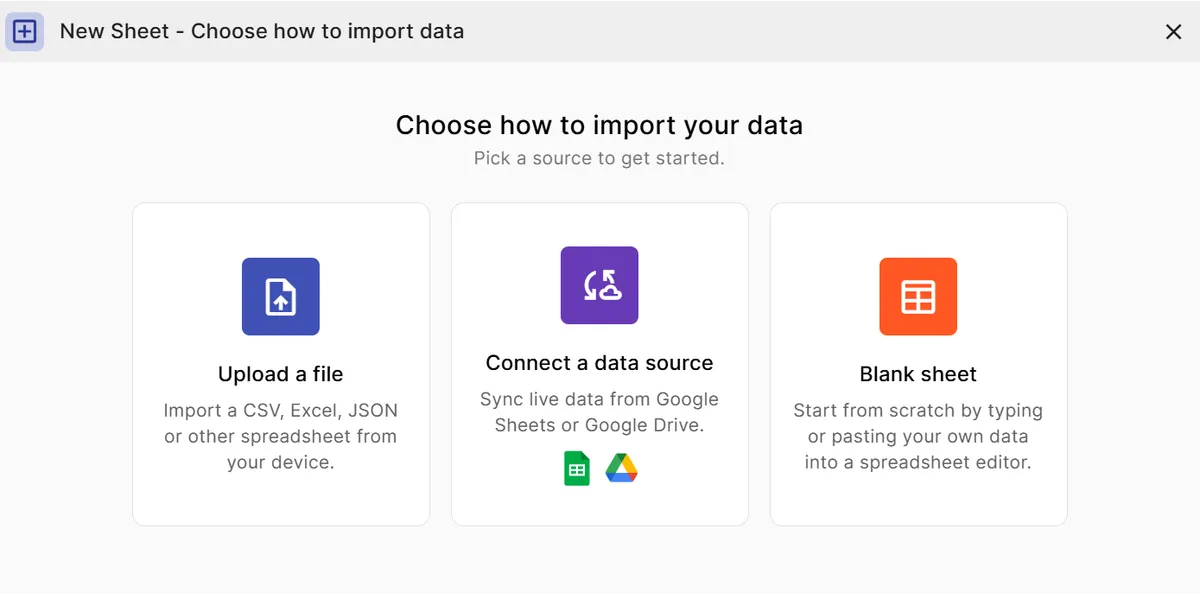
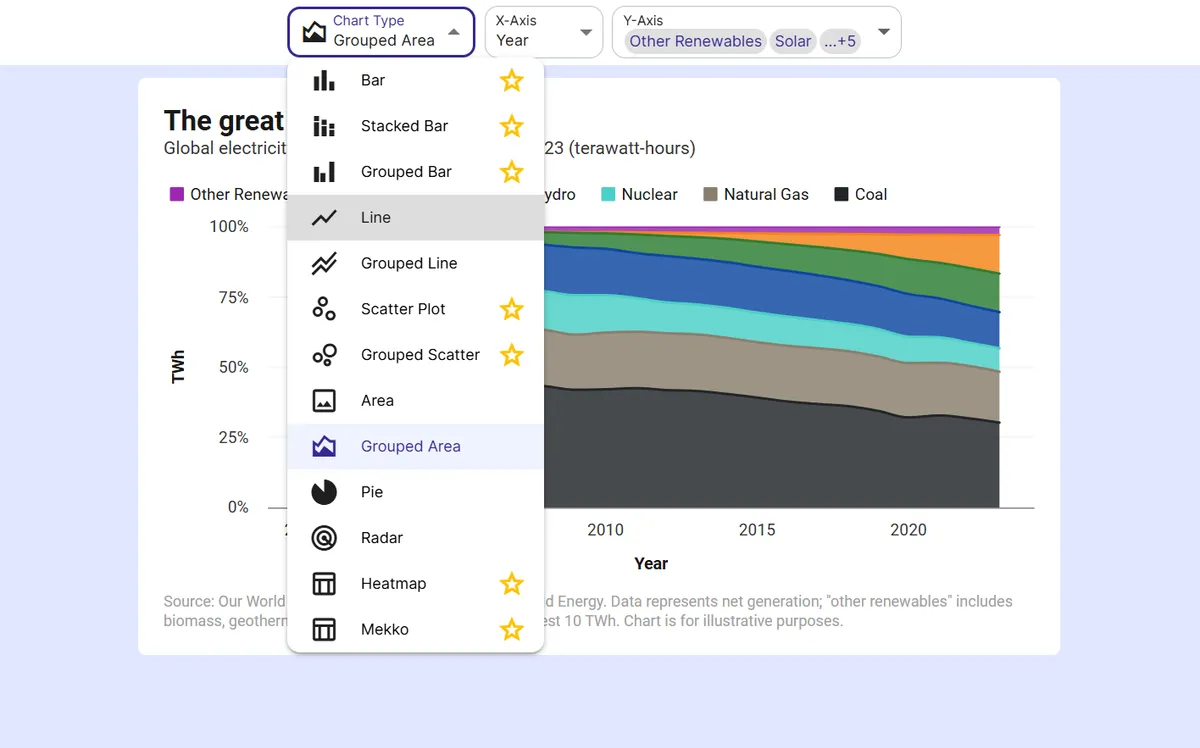
Step 2
Pick the pie chart
InstaCharts auto-suggests a chart; switch to this type in one click.
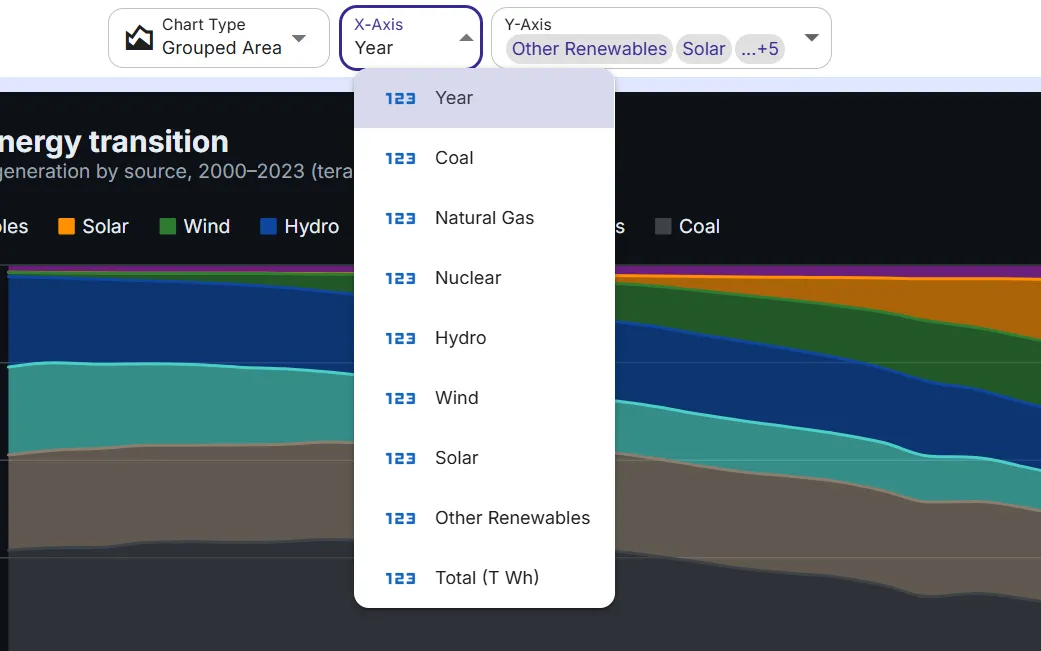
Step 3
Map your columns
Choose which columns drive each axis, or accept the smart defaults.
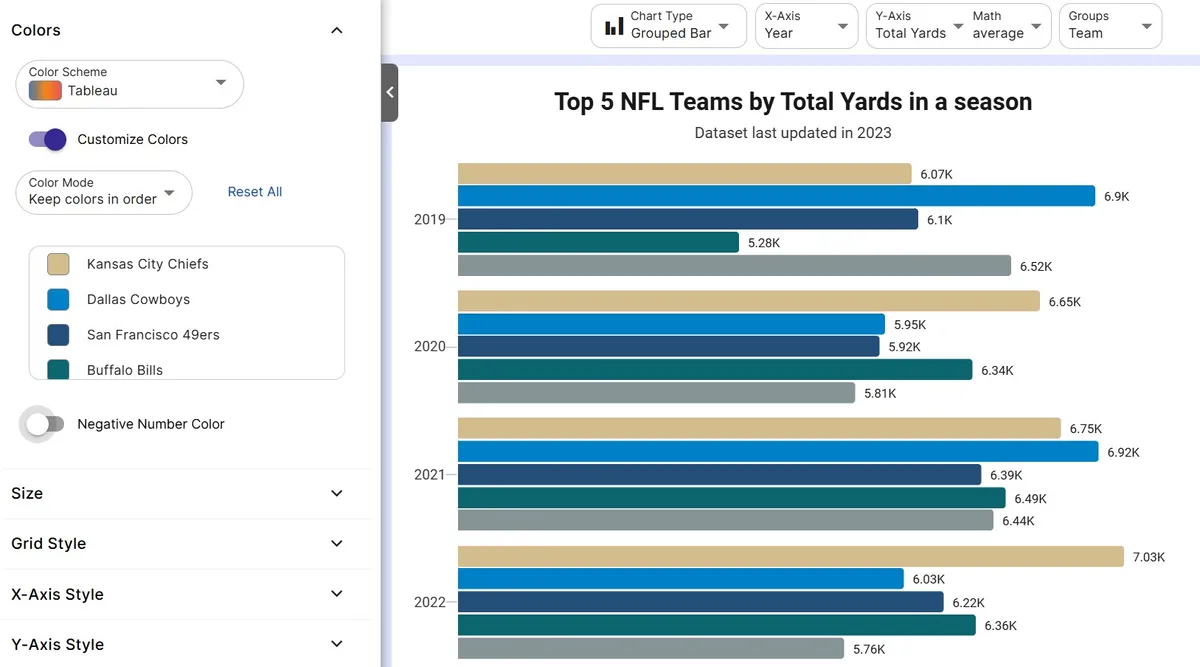
Step 4
Customize styling
Adjust colors, labels, and titles to match your brand or report.
Step 5
Export or embed
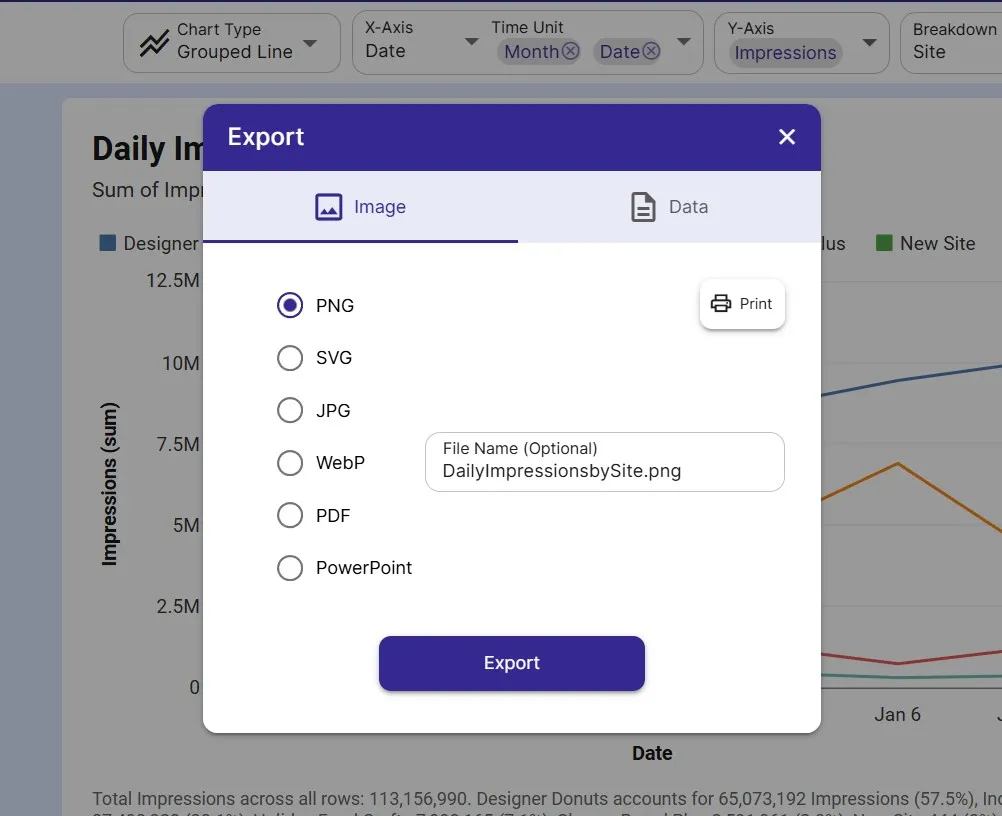
Download as PNG, SVG, or PDF, share a link, or embed a live, auto-updating chart.
FAQ
Pie Chart maker FAQ
Answers to common questions about making a pie chart with InstaCharts.
Is the pie chart maker free?
Yes. You can create and export a pie chart for free with no account. The free tier supports up to 500 rows and adds a small watermark; paid plans from $10 user/mo remove it.
Can I make a donut chart?
Yes. A donut chart is a pie with a hollow center, and InstaCharts can switch your pie to a donut or a semi-circle in one click, with no need to re-enter data.
What data do I need for a pie chart?
One column of category labels and one column of numbers. InstaCharts converts each value into a proportional slice and can label slices with percentages or absolute values.
How many slices should a pie chart have?
Keep it to five or six slices for readability. If you have more categories, group the smallest into an Other slice or use a bar chart instead.
Want the full reference?
Read the pie chart documentation.
Explore
Related chart makers
Compare related chart types, or browse every InstaCharts chart maker below.
Donut Chart Maker
Show proportions with a clean center
Bar Chart Maker
Compare values across categories online
Stacked Bar Chart Maker
Show totals and composition in one chart
All InstaCharts chart makers
- Bar Chart Maker
- Stacked Bar Chart Maker
- Grouped Bar Chart Maker
- Line Graph Maker
- Grouped Line Chart Maker
- Area Chart Maker
- Grouped Area Chart Maker
- Scatter Plot Maker
- Grouped Scatter Plot Maker
- Radar Chart Maker
- Heatmap Maker
- Mekko Chart Maker
- Gauge Chart Maker
- Grouped Gauge Chart Maker
- Donut Chart Maker
- Waterfall Chart Maker
- Horizontal Bar Chart Maker
- 100% Stacked Bar Chart Maker
- 100% Stacked Area Chart Maker
- Trend Line Graph Maker
- Pie Chart Maker with Percentages
- Semi Circle Pie Chart Maker
- Likert Scale Chart Maker
- Survey Chart Maker
- Cash Flow Waterfall Chart Maker
- Budget vs Actual Chart Maker
See every option on the chart maker page.
Make your pie chart in seconds
InstaCharts makes data visualization easy, so you can build clear reports without design experience.