
Chart maker
Stacked Bar Chart Maker
Show totals and composition in one chart
A stacked bar chart divides each bar into colored segments, so a single bar shows both the category total and how each sub-category contributes to it. InstaCharts builds one from your spreadsheet in seconds, including a normalized 100% variant when you care about proportions.
A live stacked bar chart example
An interactive stacked bar chart built and embedded with InstaCharts.
Your data
What data you need for a stacked bar chart
Paste your spreadsheet, upload a CSV or Excel file, or connect a Google Sheet, and InstaCharts detects your column types and builds the stacked bar chart automatically.
X-Axis
Dates or categorical data
Y-Axis
Numerical values, the cumulative total of each bar
Breakdown
A category column; each unique value becomes a stacked segment
Use cases
When to use a stacked bar chart
Best uses
- Compare totals and composition at the same time
- Show each sub-category's share of the whole within every bar
- Track how a mix shifts across time periods
- Spot which component dominates inside each category
When another chart fits better
- Many sub-categories blur together; group small ones into Other
- Precise comparison of middle segments is hard, so use a grouped bar chart
- Mixed positive and negative values can mislead a stacked layout
How it works
How to make a stacked bar chart
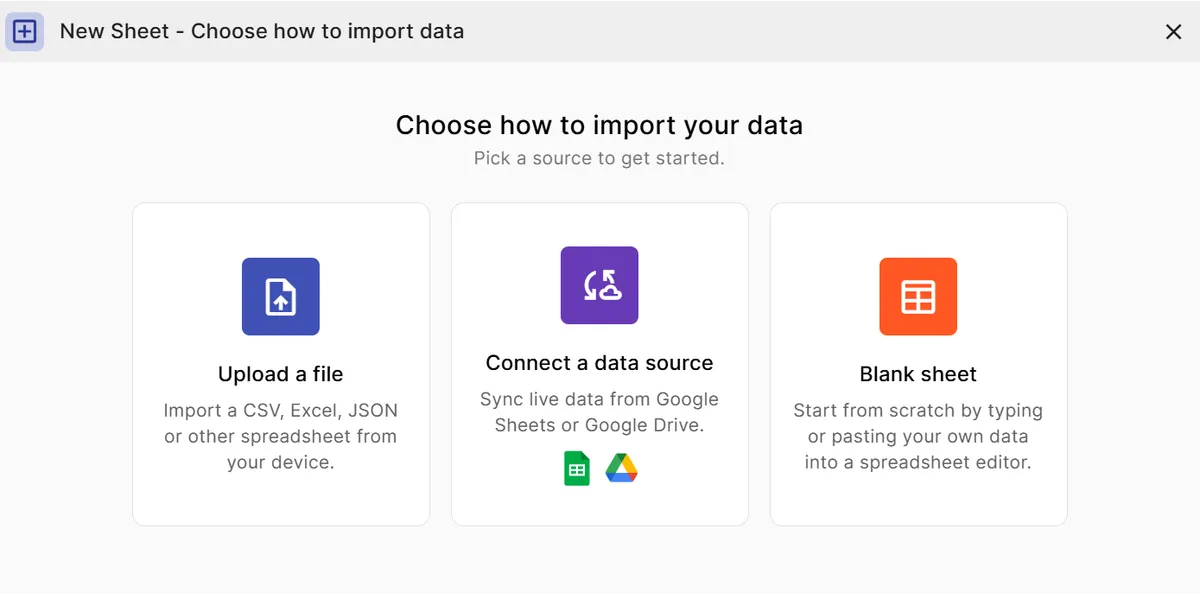
Step 1
Add your data
Paste a spreadsheet, or upload a CSV, Excel, TSV, or JSON file.
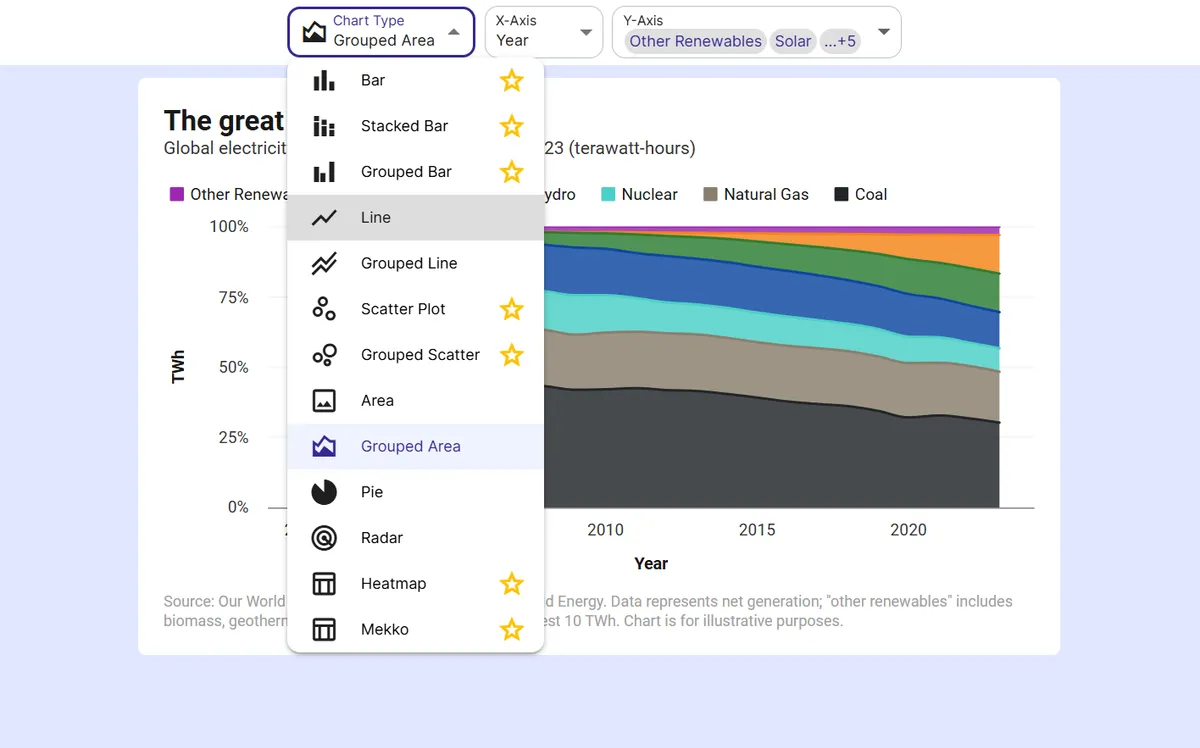
Step 2
Pick the stacked bar chart
InstaCharts auto-suggests a chart; switch to this type in one click.
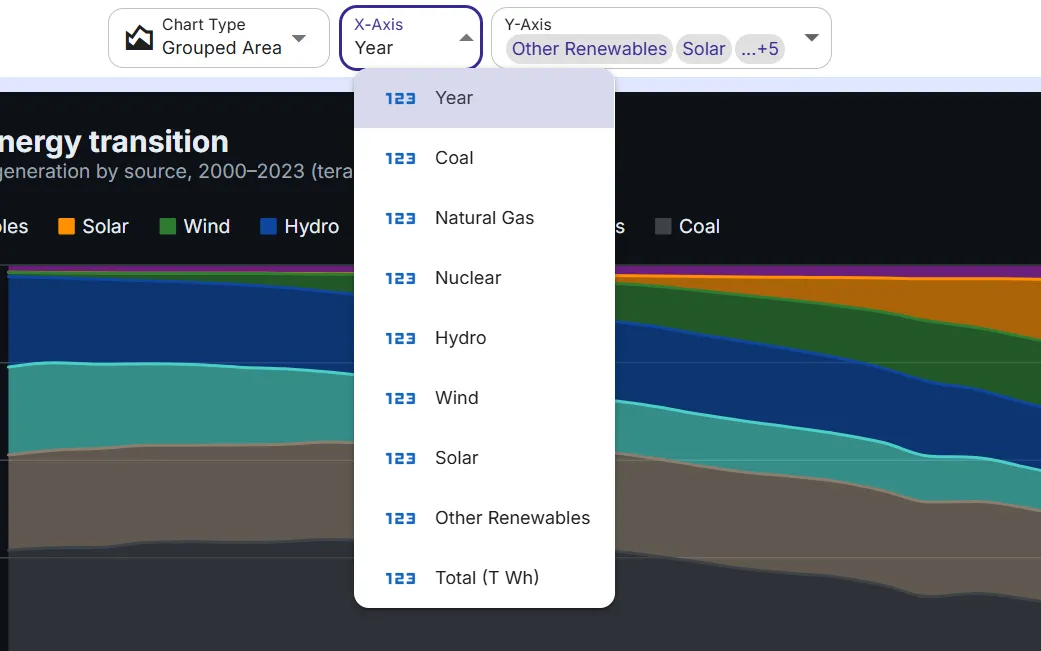
Step 3
Map your columns
Choose which columns drive each axis, or accept the smart defaults.
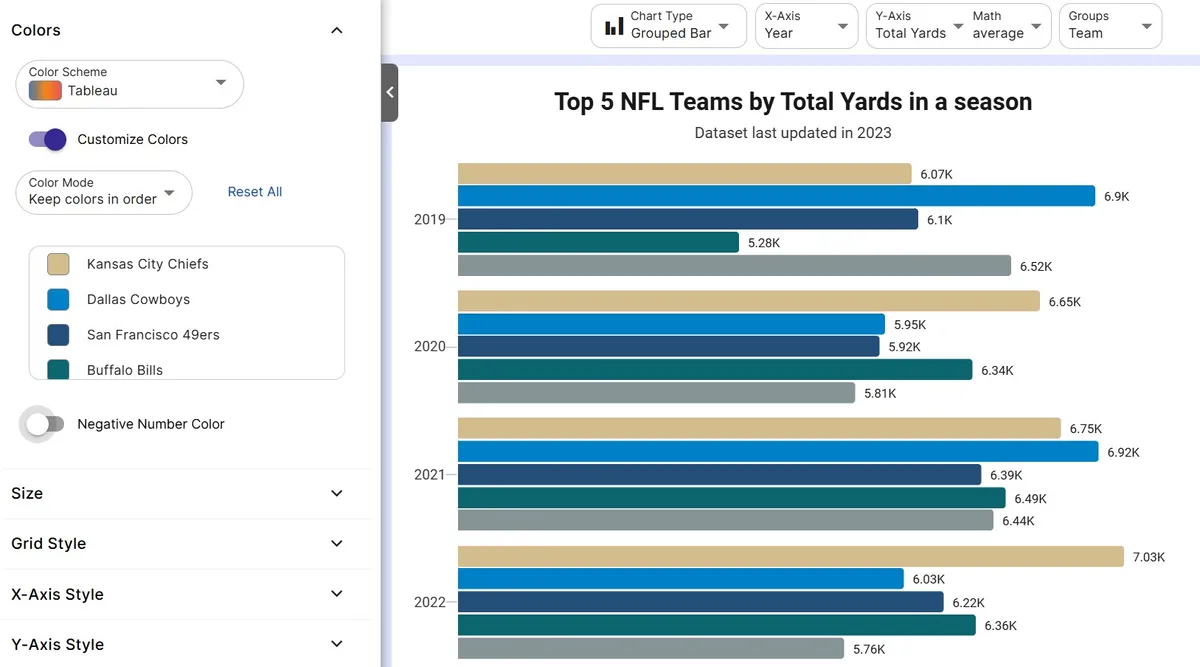
Step 4
Customize styling
Adjust colors, labels, and titles to match your brand or report.
Step 5
Export or embed
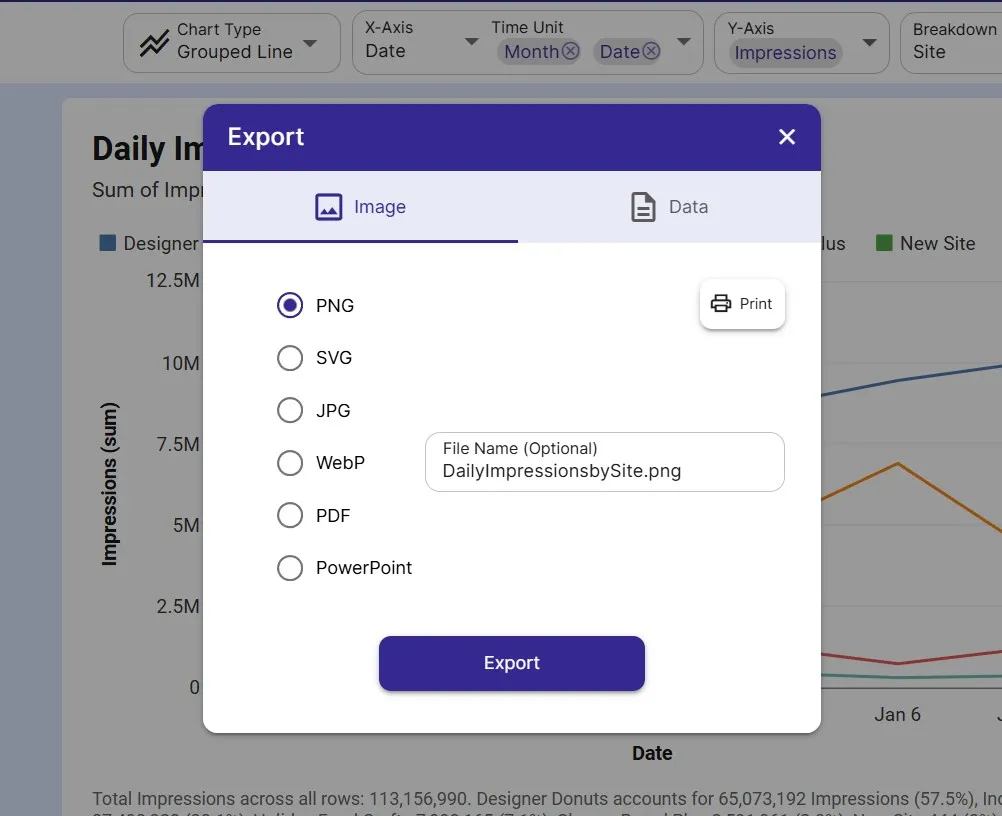
Download as PNG, SVG, or PDF, share a link, or embed a live, auto-updating chart.
FAQ
Stacked Bar Chart maker FAQ
Answers to common questions about making a stacked bar chart with InstaCharts.
Is the stacked bar chart maker free?
Yes. You can build and export a stacked bar chart for free, no sign-up needed. The free tier covers up to 500 rows and adds a watermark, which paid plans from $10 user/mo remove.
How do I make a 100% stacked bar chart?
Switch the chart to its normalized variant and every bar is rescaled to the same height, so each segment shows its percentage of the total instead of an absolute value. It is ideal for comparing composition across categories of different sizes.
What data do I need for a stacked bar chart?
A category column for the X-axis, a numeric column for the values, and a second category column to break each bar into segments. InstaCharts can pivot raw data into this shape for you.
Can I keep colors consistent across bars?
Yes. Each sub-category keeps the same color across every bar, and you can customize the palette to match your brand or report styling.
Want the full reference?
Read the stacked bar chart documentation.
Explore
Related chart makers
Compare related chart types, or browse every InstaCharts chart maker below.
Bar Chart Maker
Compare values across categories online
Grouped Bar Chart Maker
Compare several series side by side
Mekko Chart Maker
Show size and composition at once
All InstaCharts chart makers
- Bar Chart Maker
- Grouped Bar Chart Maker
- Line Graph Maker
- Grouped Line Chart Maker
- Area Chart Maker
- Grouped Area Chart Maker
- Pie Chart Maker
- Scatter Plot Maker
- Grouped Scatter Plot Maker
- Radar Chart Maker
- Heatmap Maker
- Mekko Chart Maker
- Gauge Chart Maker
- Grouped Gauge Chart Maker
- Donut Chart Maker
- Waterfall Chart Maker
- Horizontal Bar Chart Maker
- 100% Stacked Bar Chart Maker
- 100% Stacked Area Chart Maker
- Trend Line Graph Maker
- Pie Chart Maker with Percentages
- Semi Circle Pie Chart Maker
- Likert Scale Chart Maker
- Survey Chart Maker
- Cash Flow Waterfall Chart Maker
- Budget vs Actual Chart Maker
See every option on the chart maker page.
Make your stacked bar chart in seconds
InstaCharts makes data visualization easy, so you can build clear reports without design experience.