
integrations
Connect and automate your workflows
Connect Google Sheets, Google Drive and 8,000+ apps through Zapier, or update a sheet with a file from your device; your charts stay current and get delivered wherever your team works.
Google Drive
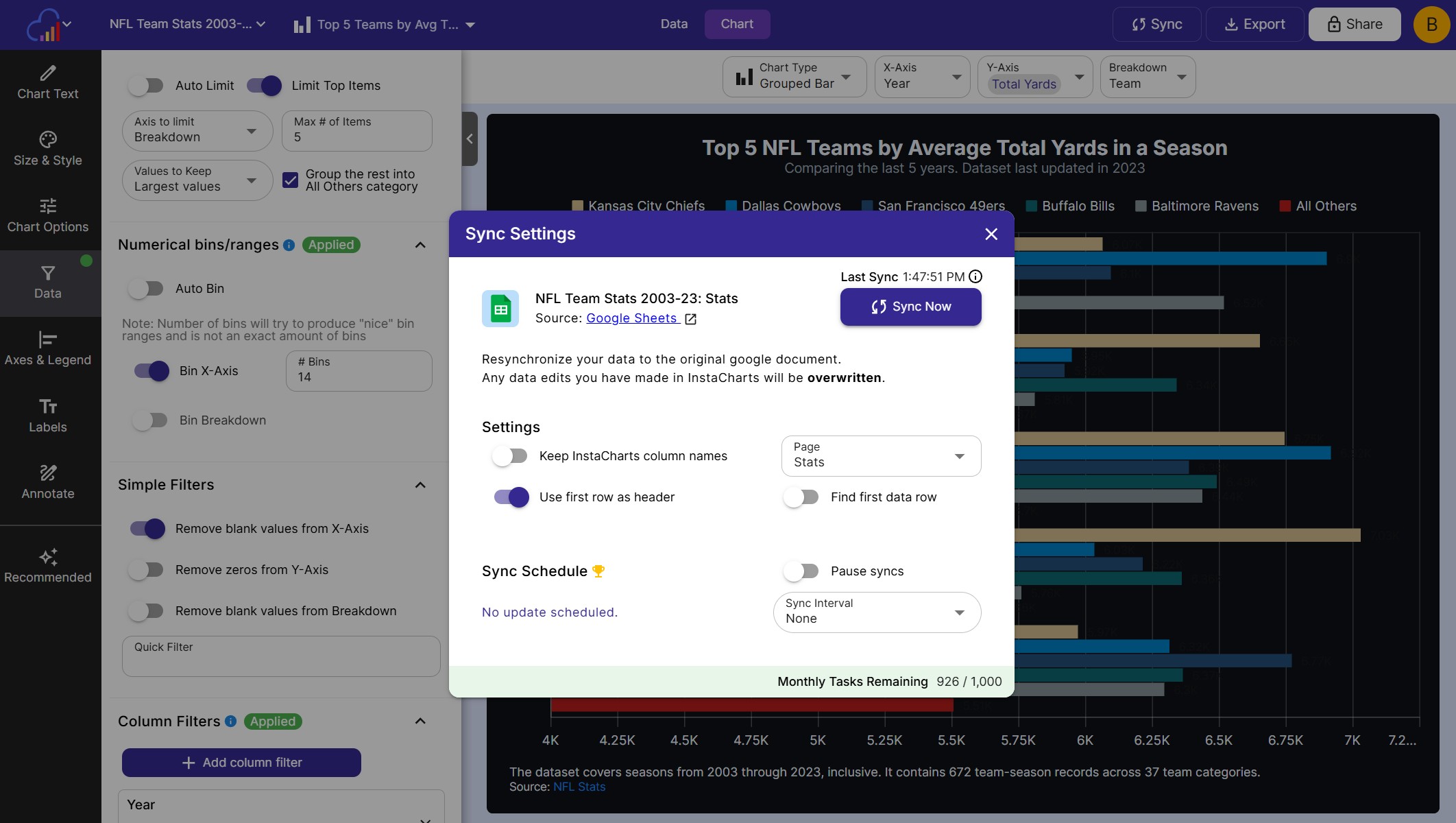
Connect InstaCharts with Google Sheets
Turn Google Sheets and Google Drive files into charts that stay in sync with the original document.
Google Sheets
Pick a Google Sheet and InstaCharts imports the data and builds charts from it.
Google Drive
Pull data from spreadsheet files stored in Google Drive and keep them in sync.
Sync Schedules
Sync when the document changes, hourly, daily, weekly or monthly, or any time with Sync Now.
Features
Features That Make Data Flow
Set up a new workflow in minutes and let your charts update and deliver themselves.
Charts That Update Themselves
Add new rows from Google Sheets, Airtable, a form submission or a new sale, and InstaCharts updates the chart for you.
Deliver Chart Images Anywhere
Generate a ready to share image of any chart and send it to Slack, Microsoft Teams, Discord, Gmail, Notion or Google Drive.
Reports That Run Themselves
Schedule a chart to go out every day, week or month, so your team gets the latest numbers in their inbox or channel.
Live Survey Charts
Connect Typeform, Google Forms or Jotform and chart each response the moment it arrives. A great fit for feedback, polls and research.
Chart Templates
Turn any chart into a template, then pass new data in a URL to create interactive charts and embeds with the same styling.
Image Templates
Create static chart images on the fly from a template URL, ready to drop into emails, reports and web pages.
Files Sync
Update a sheet with a file from your device
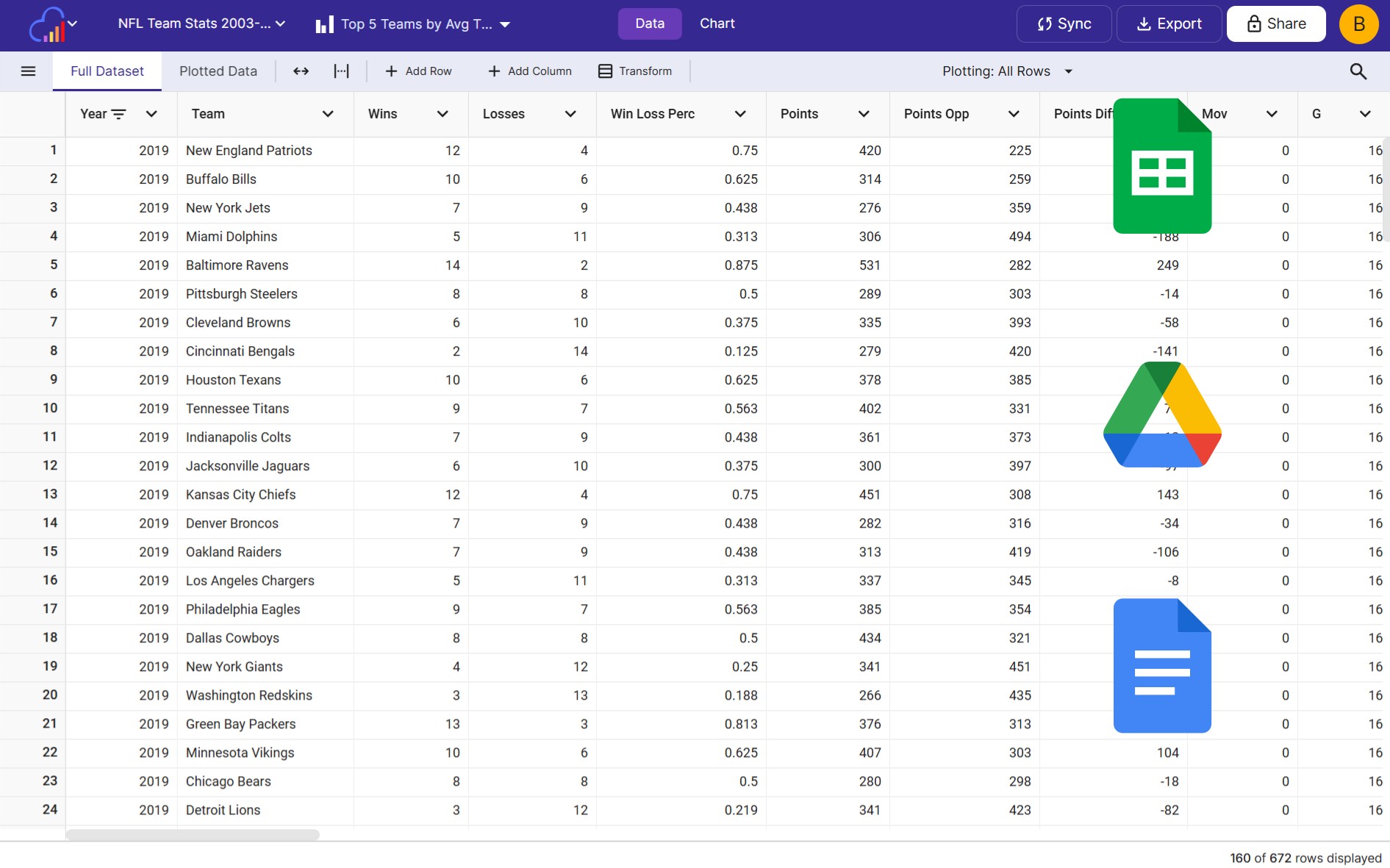
Data that lives offline keeps your charts current too. Pick a newer file and InstaCharts previews the result before anything runs.
Overwrite
Replace the whole sheet or a few columns, and keep the column names you already use.
Add Rows
Append the rows from the new file, a good fit for monthly exports and growing logs.
Add Columns
Place the columns from the new file next to your existing ones, lined up row by row.
Zapier
Automate your charts with Zapier
Two InstaCharts actions plug into 8,000+ apps, with every workflow built visually in Zapier.
Add Data Row
Send new data from any app into an InstaCharts sheet, and every chart on it updates.
Get Chart Image
Render any chart as a shareable image to post, email or save in your next Zap step.
8,000+ Apps
Connect Slack, Teams, Gmail, Notion, Airtable, Stripe, HubSpot, Salesforce and more.
Zap templates
Ready-made Zaps to get you started
Pick a template below and connect your apps in a few clicks. No code required.
FAQs
Integrations & automation FAQs
InstaCharts integrates directly with Google Sheets and Google Drive for live data syncing, and through Zapier it connects to more than 8,000 apps, including Slack, Microsoft Teams, Gmail, Notion, Airtable, Typeform, Google Forms, Stripe, HubSpot and Salesforce. Data flows into your charts from these apps, and chart images flow out to wherever your team works.
Connect your Google account in InstaCharts, pick a Google Sheet or a spreadsheet file from Google Drive, and InstaCharts imports the data and builds charts from it. The sheet stays connected to the original document, so you can sync new data into your charts at any time with Sync Now or a sync schedule.
Paid plans can set a sync schedule that updates automatically when the original document changes, or checks it hourly, daily, weekly or monthly. Google can take up to 5 minutes to send changes through. Free accounts can run 5 manual syncs a day with Sync Now, and manual syncs are unlimited on paid plans.
The InstaCharts Zapier integration connects your charts to over 8,000 apps using two actions. The "Add Data Row" action sends new data into an InstaCharts sheet so its charts update automatically, and the "Get Chart Image" action renders any chart as a shareable image. Together they keep charts current with data from apps like Google Sheets, Airtable, Typeform and Stripe, and deliver chart images to Slack, Microsoft Teams, Gmail, Notion or Google Drive.
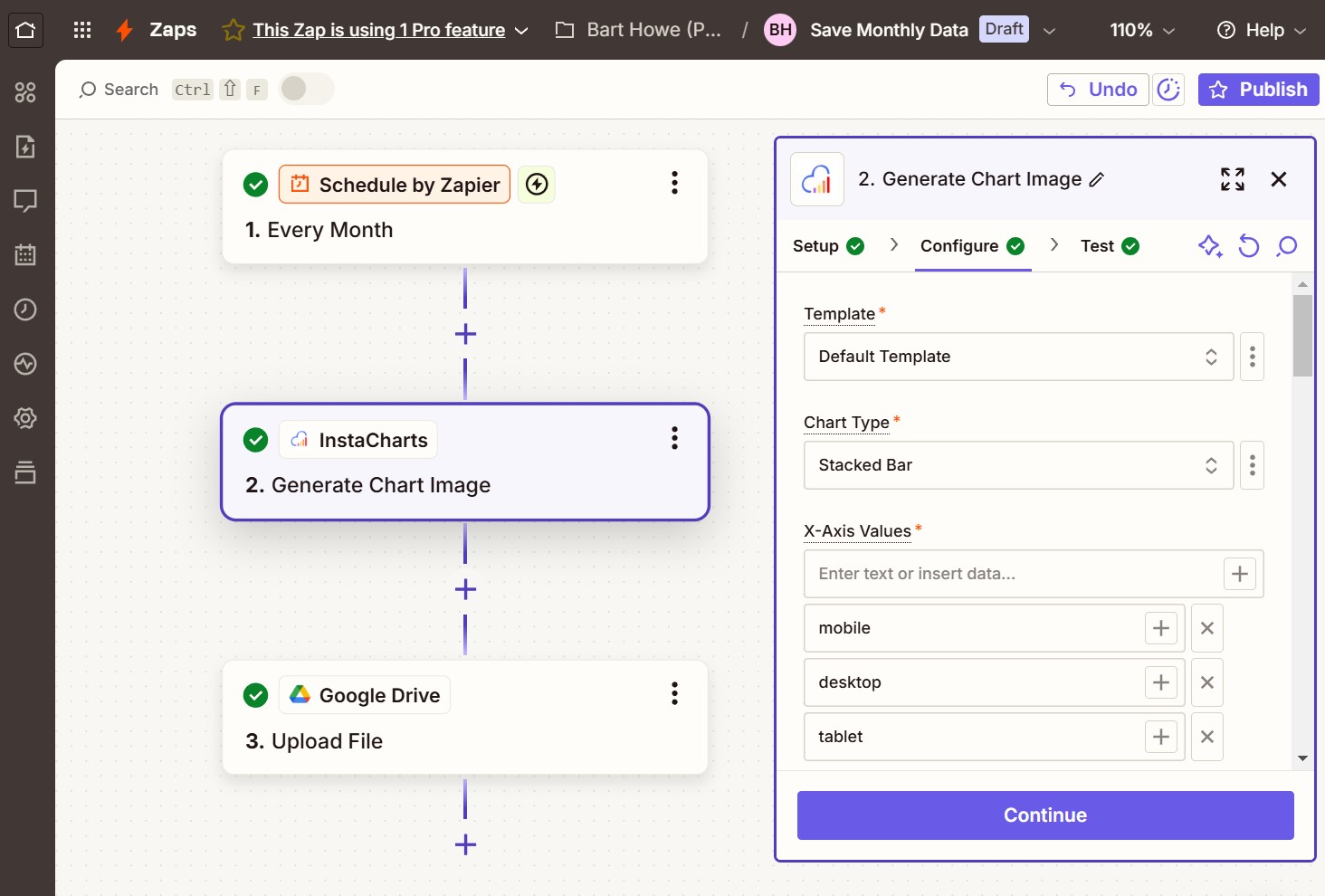
Create a free InstaCharts account, then add the InstaCharts app to a Zap and authorize it. Use InstaCharts as an action step: choose "Add Data Row" to send data into a chart, or "Get Chart Image" to generate a chart image. The whole setup happens in Zapier's visual editor with zero code.
Use the InstaCharts "Add Data Row" Zapier action. New data from another app, such as a new Google Sheets row, a form submission or a sale, is added to your InstaCharts sheet automatically, and every chart built on that sheet updates right away. This keeps dashboards and embedded charts current with zero manual editing.
Use the InstaCharts "Get Chart Image" Zapier action to produce a ready to share image of any chart. Zapier can then post it to Slack, Microsoft Teams or Discord, attach it to a Gmail or Outlook email, or save it to Notion, Google Drive or Dropbox. Add a schedule trigger to deliver automatic chart reports to your team every day, week or month.
Connect a form app such as Typeform, Google Forms or Jotform to InstaCharts in Zapier, and each new response is added to your chart automatically. The chart shows results in real time as responses arrive, which suits surveys, polls, customer feedback and research.
Yes. Connect Stripe, HubSpot or Salesforce to the InstaCharts "Add Data Row" action in Zapier, and every new payment or deal is added to your sheet. The charts, embeds and dashboards built on that sheet update as the data arrives, so your whole team sees the latest numbers.
Yes. The "Get Chart Image" action renders the chart you already designed in InstaCharts, so the image keeps the theme, colors and fonts you set. Every automated chart that goes out to Slack, email or Notion matches the rest of your reports.
A chart template turns one of your charts into a reusable design. Turn the template on in the Templates tab of the share dialog, then pass new data in the URL to create an interactive chart page, an embed or a static chart image with the same styling. Templates save time on repeat reports, and the Template Docs explain the URL format.
Update the existing sheet with a newer file from your device. Right click the sheet in your Workspace and choose "Update Data", or open the sheet and choose "Update Sheet Data" from the sheet menu, then pick the new file. InstaCharts matches the columns for you and shows a preview before the update runs, and every chart, data table and dashboard built on that sheet shows the new data.
InstaCharts gives you three update modes. "Overwrite this sheet" replaces the data in the sheet with the data in the new file, either the whole sheet or just a few columns, and a "Keep my column names" option holds on to the names you already use. "Add rows to this sheet" keeps the current rows and appends the rows from the new file after them, which suits monthly exports and growing logs. "Add columns to this sheet" keeps the current columns and adds the columns from the new file next to them, lining the rows up in order.
Your charts keep working and keep their settings. Each chart follows the column it already plots, so a matched column keeps its chart along with its theme, colors and annotations, and shared links and embed codes stay the same. InstaCharts matches columns by name first and by position second, lists every column with the result of the update, and asks you to map a column to the new file before an update that would drop a column a chart uses.
Yes. Every InstaCharts integration is no-code. Google Sheets and Google Drive connect with a few clicks, and Zapier workflows are built visually by picking a trigger app and an InstaCharts action. Anyone on your team can set up automated, on-brand charts in minutes.
Craft professional charts in seconds
InstaCharts makes data visualization easy, so you can build clear reports without design experience.