
Zapier Integration
InstaCharts’ Zapier integration connects your charts to over 8,000 apps, so data can flow into your charts and chart images can flow out to wherever your team works - all without writing code.
Prerequisites
- An active InstaCharts account
- A Zapier account
InstaCharts actions
InstaCharts provides three Zapier actions. Each one has its own guide:
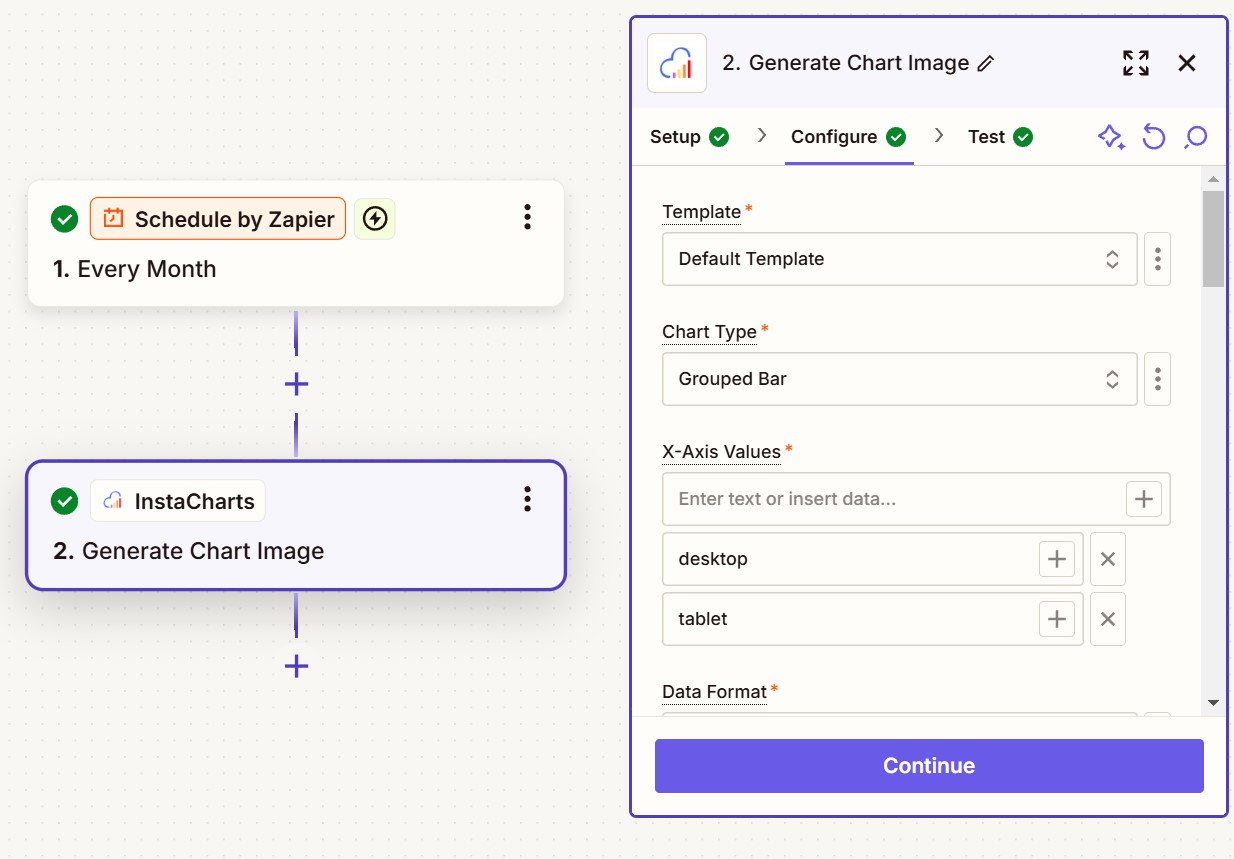
Generate Chart Image
Builds a brand-new chart image on the fly from a chart template and data you pass into the Zap. Best when your data lives in the trigger app and you want a freshly rendered image each run.
Add Data Row
Adds a row of data to an existing InstaCharts sheet. Every chart and dashboard built on that sheet updates with the new data. Best for keeping a live chart current as new records arrive - a new spreadsheet row, a form response, or a sale.
Get Chart Image
Returns an image of a chart you have already built in InstaCharts. Best when the chart already exists in your account - schedule it to email or post an always-current snapshot.
Which action should I use?
- I want a fresh image built from data in my trigger app → Generate Chart Image
- I want to feed new data into a chart I already built → Add Data Row
- I want the current image of a chart I already built → Get Chart Image