Share a Dashboard
There are three ways people can view a dashboard:
- Workspace members - dashboards are part of your workspace, so workspace members can see them automatically
- Specific users - share the dashboard with individual users you choose
- Public link - anyone with the link can view the dashboard
Sharing Options
Click the Share button on the dashboard toolbar to open the Share dialog, then choose a privacy level:
| Option | Who can view |
|---|---|
| Private - not shared | Only you and your workspace members |
| Share with specific users | Only the users you specify |
| Public | Anyone with the link |
When sharing with specific users, add each user and they will see the dashboard when they log in to InstaCharts with that email address.
Links
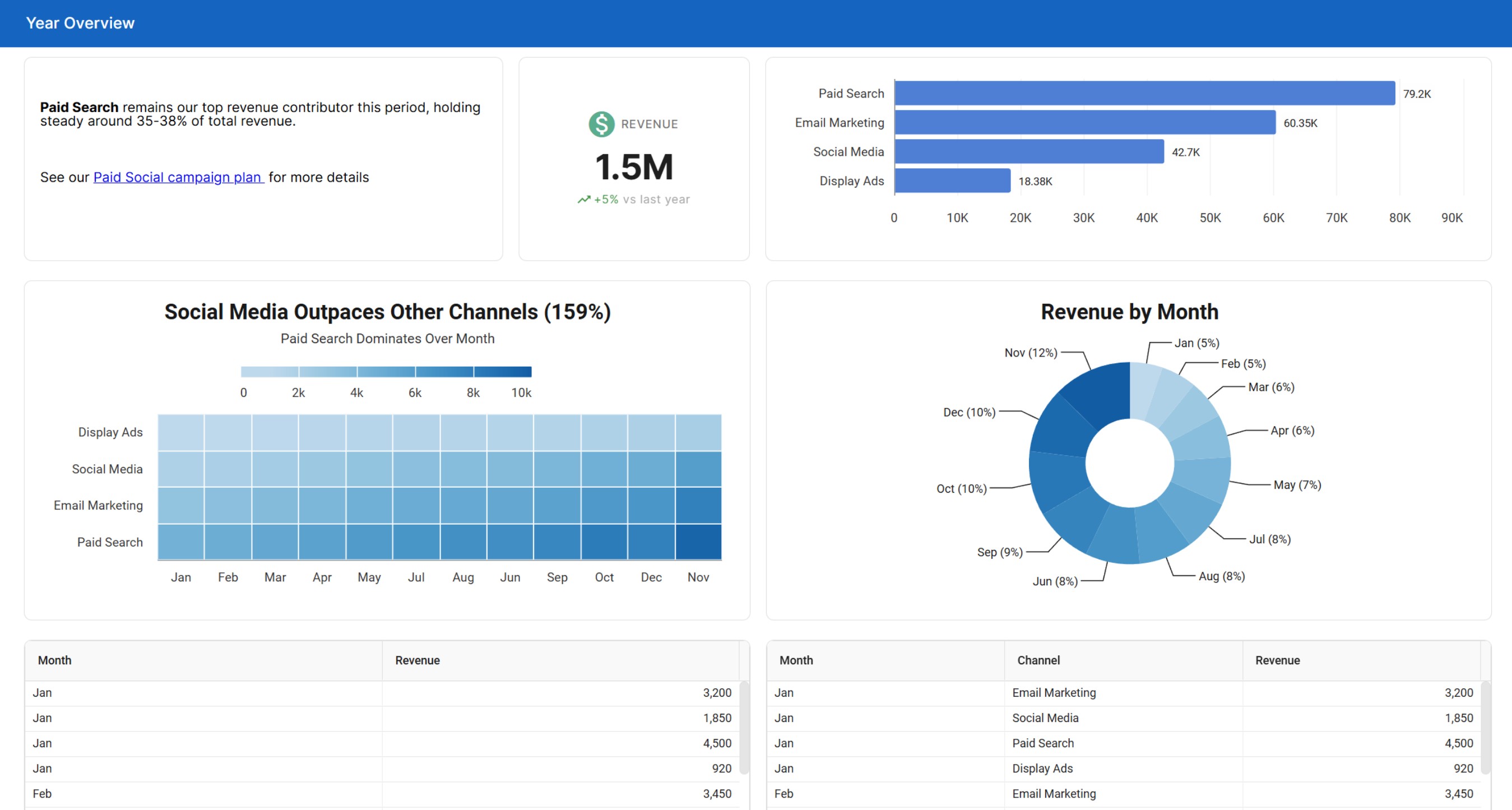
Once a dashboard is shared, the Share dialog provides a full-page link to the live dashboard. Send this to anyone who should view the dashboard in their browser.
Because the dashboard stays connected to its sheets, shared and embedded dashboards always show the current data from the connected sheets.
Dashboard Analytics
The Analytics tab in the Share dialog shows how many people have viewed the shared dashboard, with a total for all time, a total for the last 30 days, the first and most recent view dates, and a daily or monthly trend you can export to CSV. Analytics is a paid feature; see Share Analytics for details.
Stopping a Share
To stop sharing a dashboard, open the Share dialog and set the privacy level back to Private - not shared. Existing links will no longer work.